Step 3 of 5 in the shadow AI governance guide. How security, IT, and finance leaders match AI licenses to real usage and find the unapproved tools hiding behind unused seats.
The short answer: To manage dormant AI licenses, match every paid seat to observed usage over the trailing 30 to 60 days, sort users into power users, regular users, chat-only seats on premium tiers, and dormant accounts, and reallocate before you cancel. Do this on usage, not renewal dates, because a dormant seat often means the person moved to a tool you did not approve.
Why renewal dates are the wrong trigger
Most organizations review AI licenses once a year, at renewal. By then you have paid for twelve months of seats nobody opened. Idle seats multiplied by seat price gives the finance team a number it can verify, and a usage review gives you that number every quarter instead of every year.
The larger problem is not the wasted spend. A person with a dormant seat has not stopped using AI. They may be using a personal account because the licensed tool is clunky, or an unapproved tool because it does the job better. That puts company data outside the data handling terms you negotiated, such as retention limits and training opt-outs.
So treat a dormant license as a shadow AI signal, not only a cost line. It tells you where the sanctioned option is failing, which is where unsanctioned use starts.
How to run dormant AI license management in five steps
1. Build one license inventory
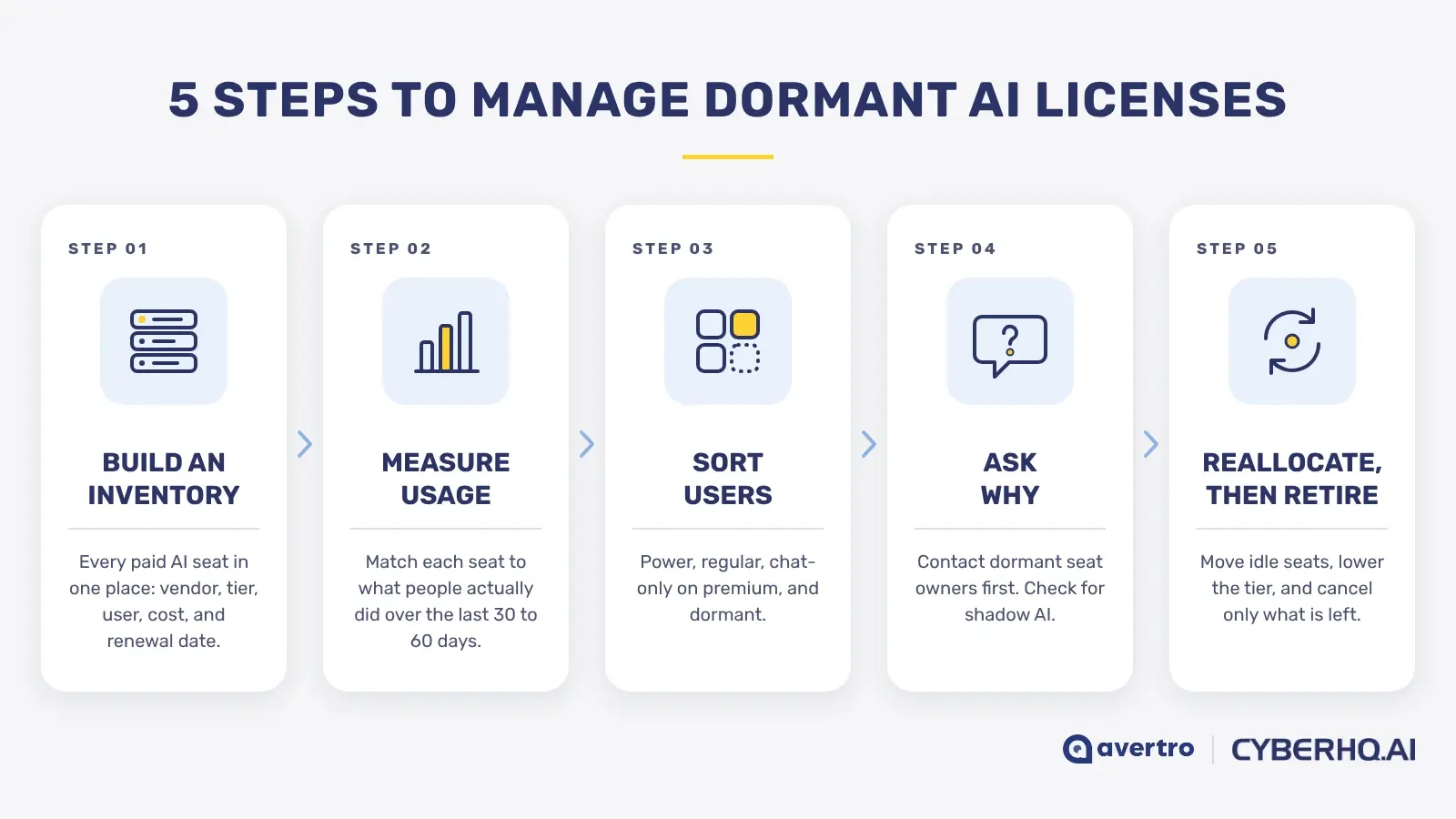
List every paid AI seat in one place: vendor, tier, assigned user, cost, and renewal date. Include AI add-ons inside suites you already license, since they are easy to miss and often priced per seat.
2. Measure observed usage per user
Compare the inventory against what each person actually did over the trailing 30 to 60 days. Admin consoles show who holds a seat, and some show activity, but each vendor counts it differently. You need one consistent view of usage across every platform, including the ones you did not buy.
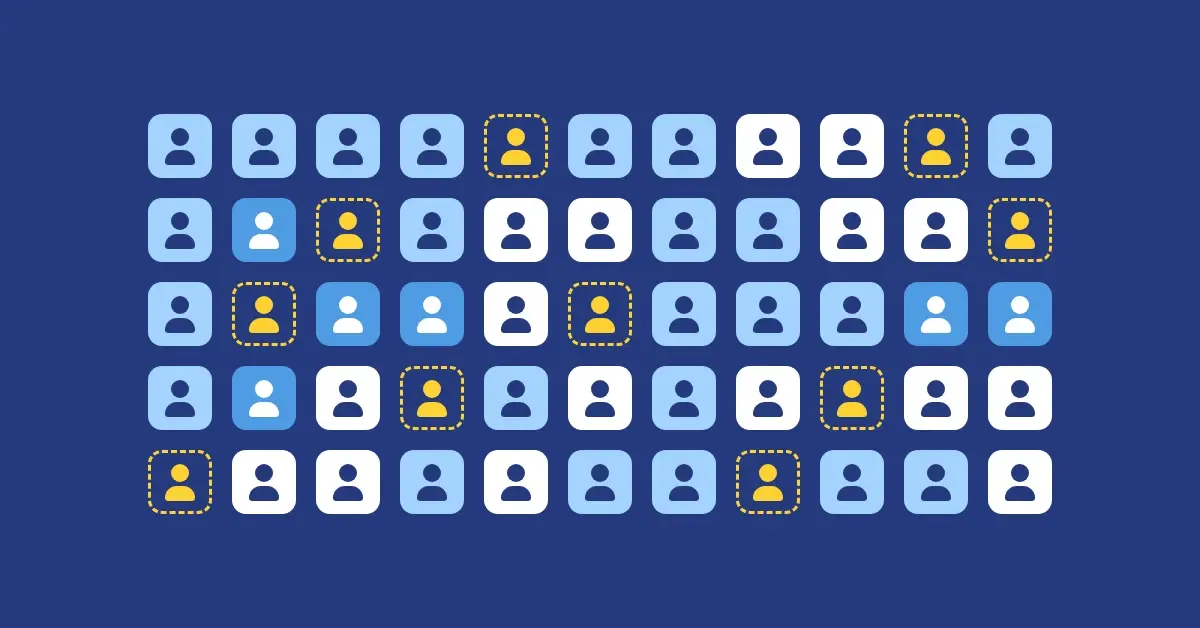
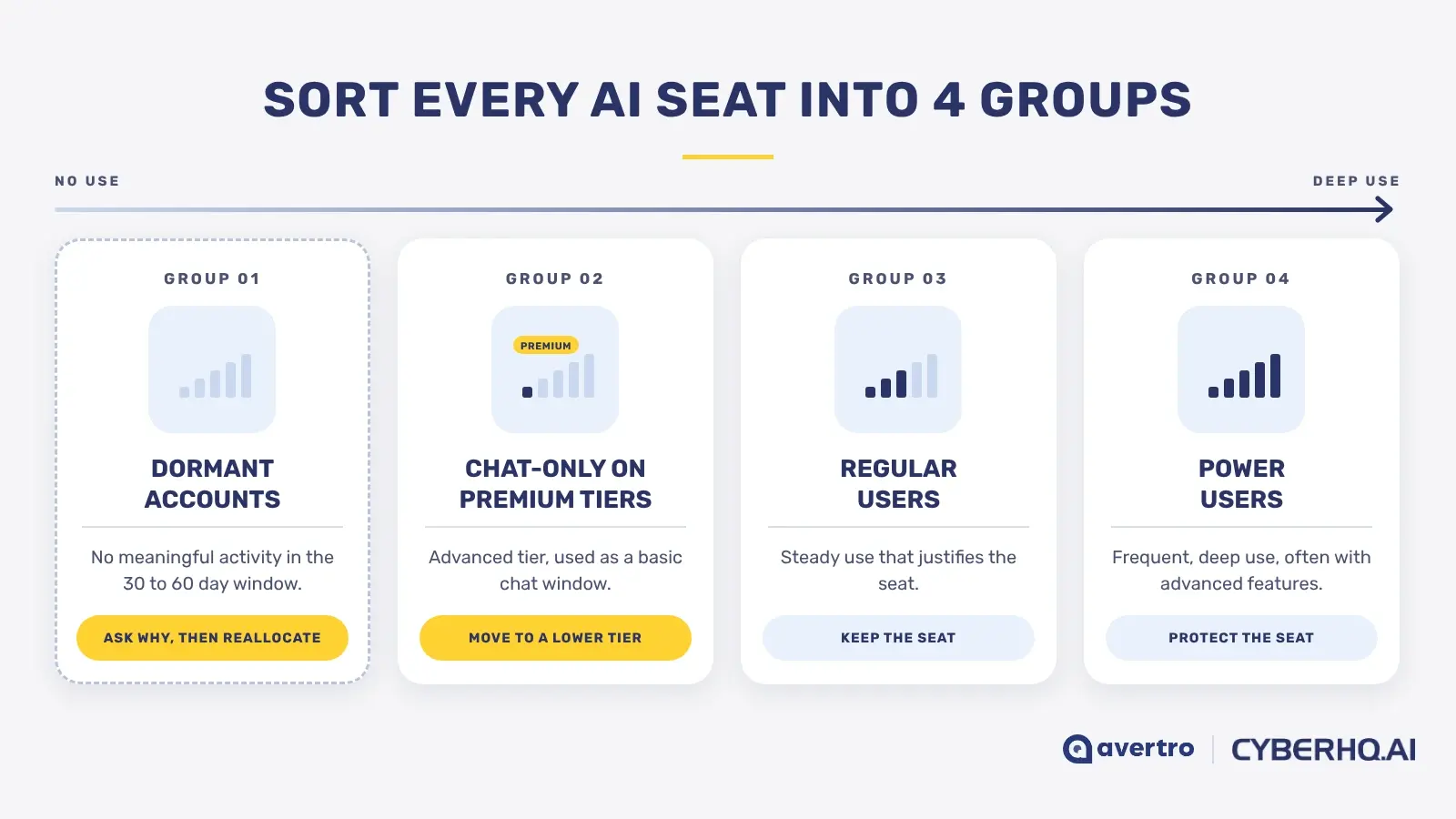
3. Sort users into four groups
-
Power users: frequent, deep use, often with advanced features. Protect these seats.
-
Regular users: steady use that justifies the seat.
-
Chat-only seats on premium tiers: people paying for advanced capability they use as a basic chat window. Candidates for a lower tier.
-
Dormant accounts: no meaningful activity in the window.
4. Ask why before you act
Contact the owners of dormant seats. The answer is usually one of four things: they did not need it, they did not know how to use it, the tool did not fit the work, or they are working around it. Check your discovery findings from Step 1 to see whether the same person is active on a personal account or an unapproved platform.
5. Reallocate, right-size, then retire
Move idle seats to people on a waitlist, move chat-only users to a cheaper tier, and cancel only what is left. Set the review to a fixed quarterly cadence so reclaimed seats do not drift back to idle.
What good looks like: every paid seat maps to observed usage, reviewed quarterly rather than at renewal, and every dormant seat has a recorded reason.
How to measure dormant AI license management
Report four numbers:
-
Active seat rate: the share of paid seats with meaningful use in the last 30 days.
-
Dormant seat cost: idle seats multiplied by seat price, per quarter.
-
Time to reclaim: how many days pass between a seat being flagged dormant and being reallocated or retired.
-
Premium tier fit: the share of premium seats that use premium capabilities.
A rising active seat rate with flat spend means the program is working. Falling dormant seat cost while personal-account use rises means you cut the seats and moved the problem somewhere you cannot see.
Continue the guide
Dormant AI license management is Step 3 of 5. Previous: Step 2, AI session monitoring. Next: Step 4, protecting sensitive data in AI tools. Or read the full guide, How to Govern Shadow AI Without Blocking Innovation.
How CyberHQ.ai fits
CyberHQ.ai gives business leaders the evidence to govern AI without blocking it: which tools people use, who or what is using them, and what data is moving. It does not replace your existing security stack. It sits alongside cloud access security broker (CASB), data loss prevention (DLP), and security information and event management (SIEM) tools and makes sense of them by adding the AI-specific context they were not built to deliver.
-
See: every AI tool in use, and whether each session is a person or an agent.
-
Act: sensitive data caught in prompts and pastes, with responses you set by severity, from monitor-only to block.
-
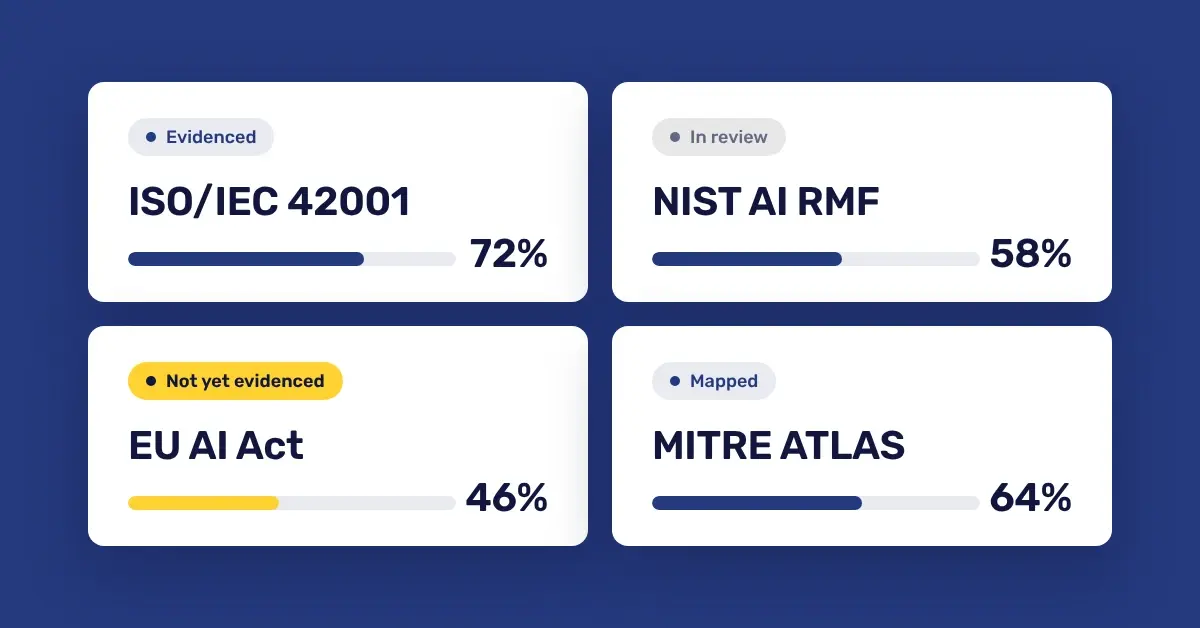
Prove: an AI Security Score and framework evidence your board and auditors can test, including ISO/IEC 42001, NIST AI RMF, EU AI Act, and MITRE ATLAS.
It deploys in under 30 minutes with no proxy or SSL inspection, and meaningful DLP findings typically appear within 24 to 48 hours. See plans and capabilities.
Trial CyberHQ.ai against your own AI footprint and see which AI tools your people are using, whether each session is a person or an agent, which licenses sit idle, and what sensitive data is moving. Start your free 30-day CyberHQ.ai trial, no credit card required.