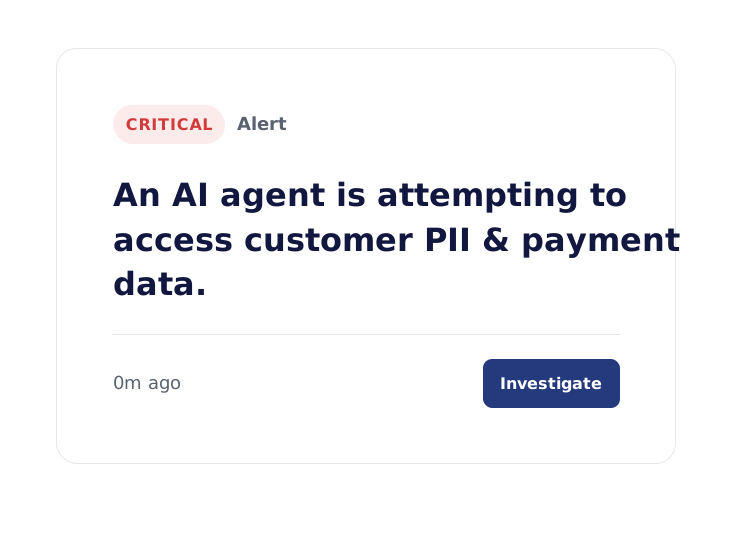
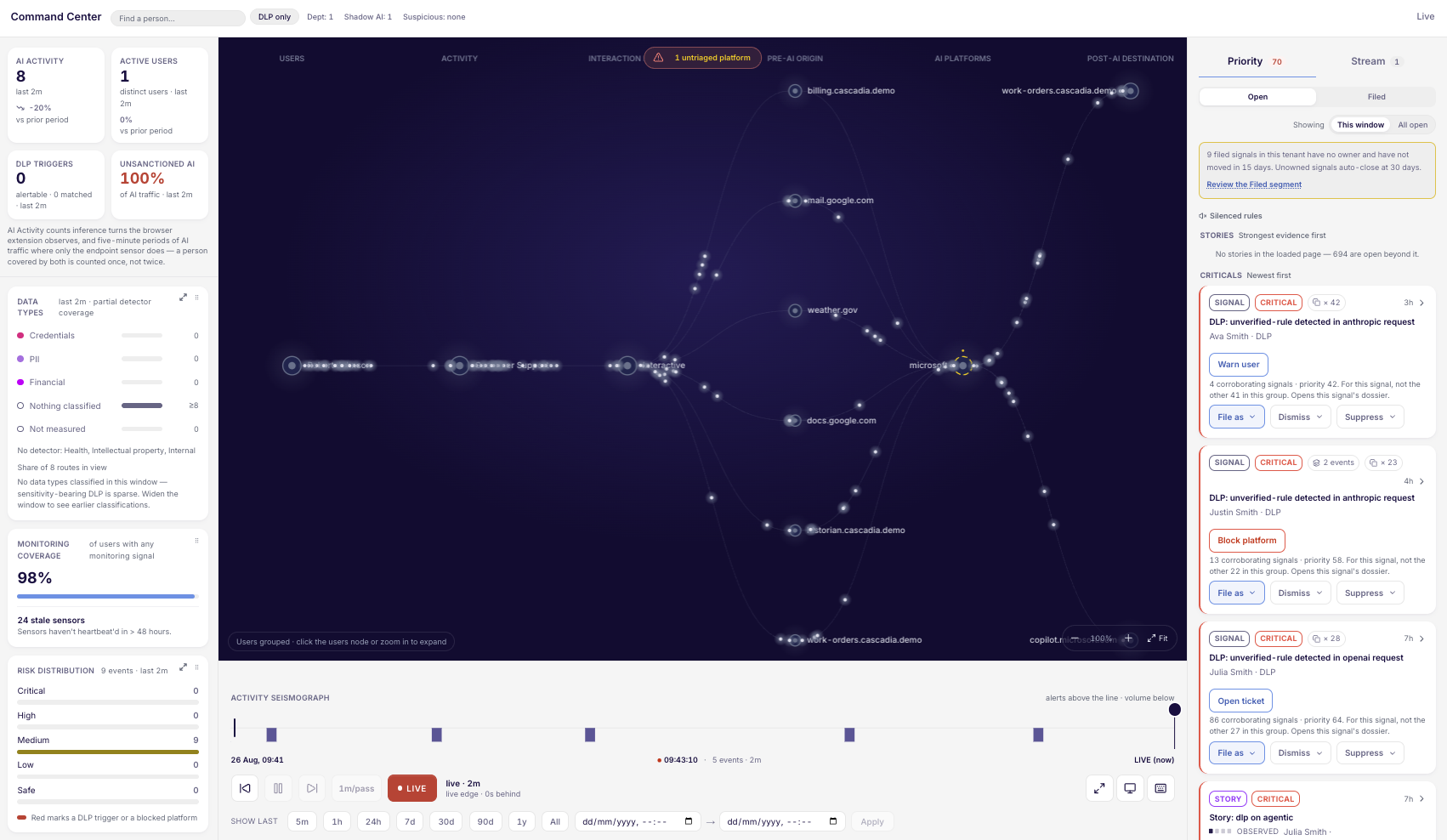
Flagged & Scored By What Matters. Ready for your team to act
You have AI visibility, so what happens when something needs your attention? CyberHQ.ai adds triage, custom rules, and functional blocking, so your team can close findings instead of just collecting them.
Inbox
1,579 critical
9,676 high
4,398 medium
Active 21,435· 1,579 crit
Resolved 817
Risk Accepted 3
Auto-Closed 86,133
Incidents
Select a signal to view details
Privilege escalation then outbound: aaron.johnson90@cascadia.demo
AI providers monitored on a continuously expanding watchlist
< 30 mins
to full deployment, no proxy or SSL inspection required
< 48 hours
to first meaningful DLP finding
The Problem
The Action Gap
Detecting an unsanctioned AI tool or an agent targeting PII is only step one. Awareness without action is meaningless: without a ranked queue, clear ownership, or immediate enforcement, critical security events become just more un-triaged noise in a channel.
Ask your security team these questions and see how many they can answer with a workflow instead of a guess.
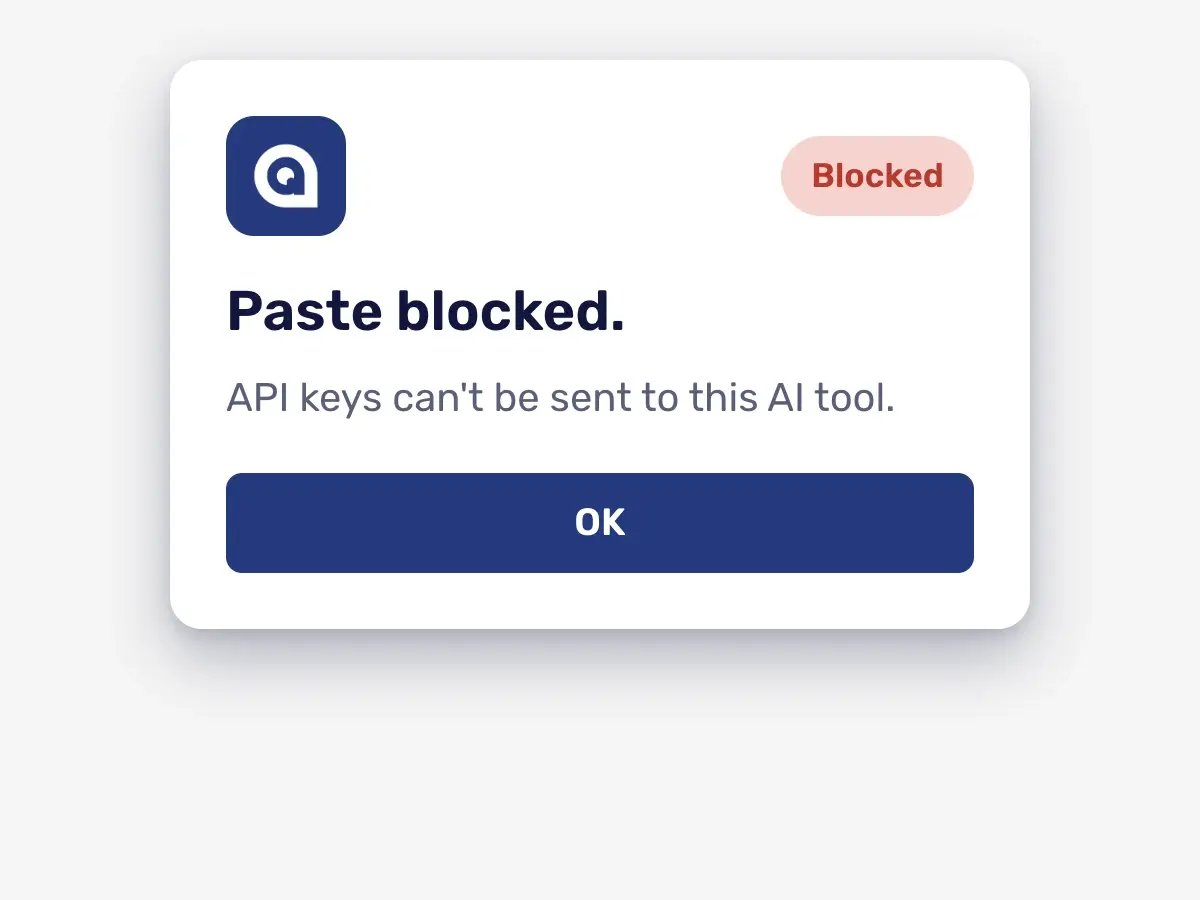
When a DLP alert fires on an AI paste, does it get blocked, or just logged?
How many AI findings are sitting untriaged right now, and which one actually matters most?
If the same anomaly happened twice this week, would anyone notice the pattern?
When a finding needs a follow-up action, who owns it, and what happens if they do not?
Legacy DLP tools alert. Legacy SIEMs log. Neither one prioritizes or enforces on AI-specific context.
The result: a queue that grows every day, while the finding that matters most waits behind a dozen that do not.
CyberHQ.ai
Alerts Without Action vs. Closed-Loop Response with CyberHQ.ai
Seeing a problem and doing something about it are two different capabilities. CyberHQ.ai closes the gap between them.
Alerts Without Action
With CyberHQ.AI
A DLP alert tells you something happened. It does not stop it from happening again.
Write your own DLP rules, and block rules for specific people or platforms, so a repeat finding meets a response you chose: Observe, Warn, or Block.
Every signal looks equally urgent until someone reads all of them.
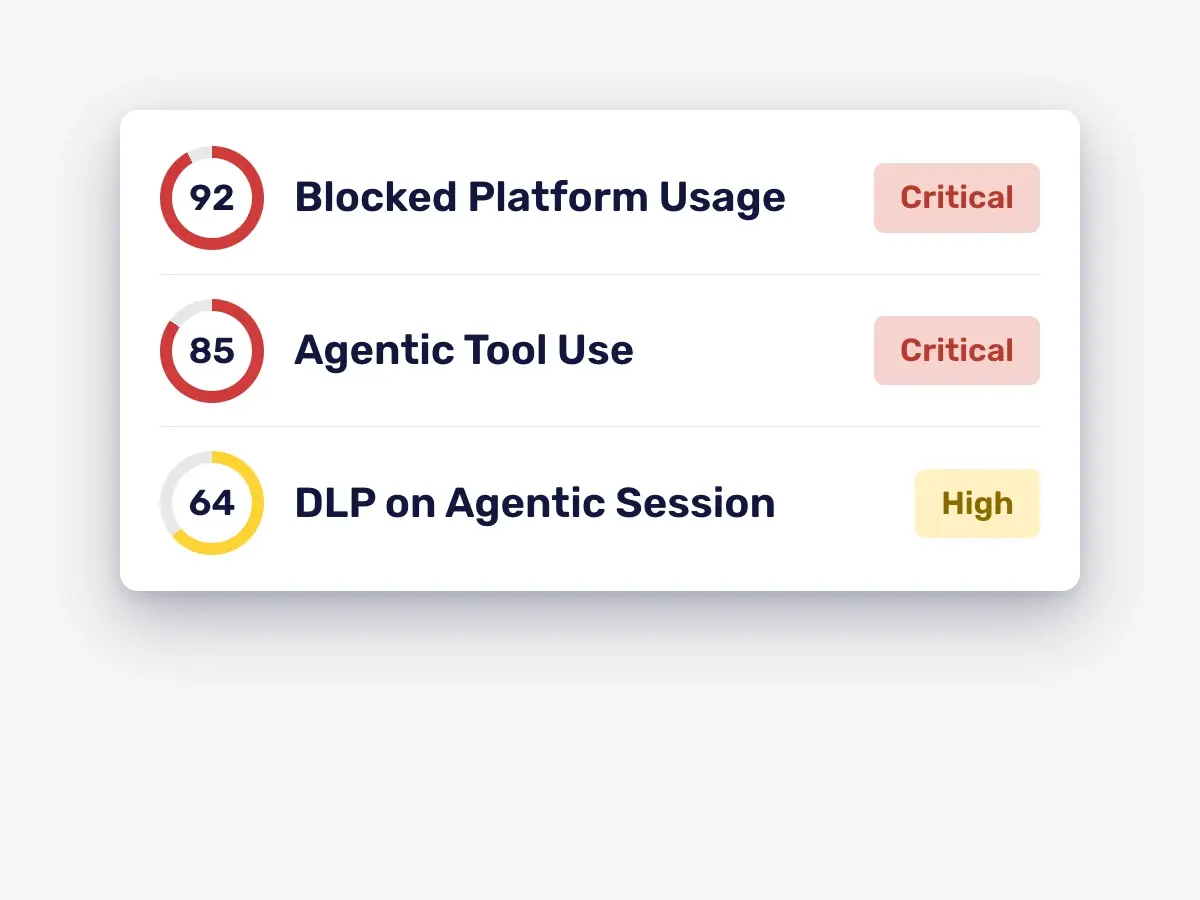
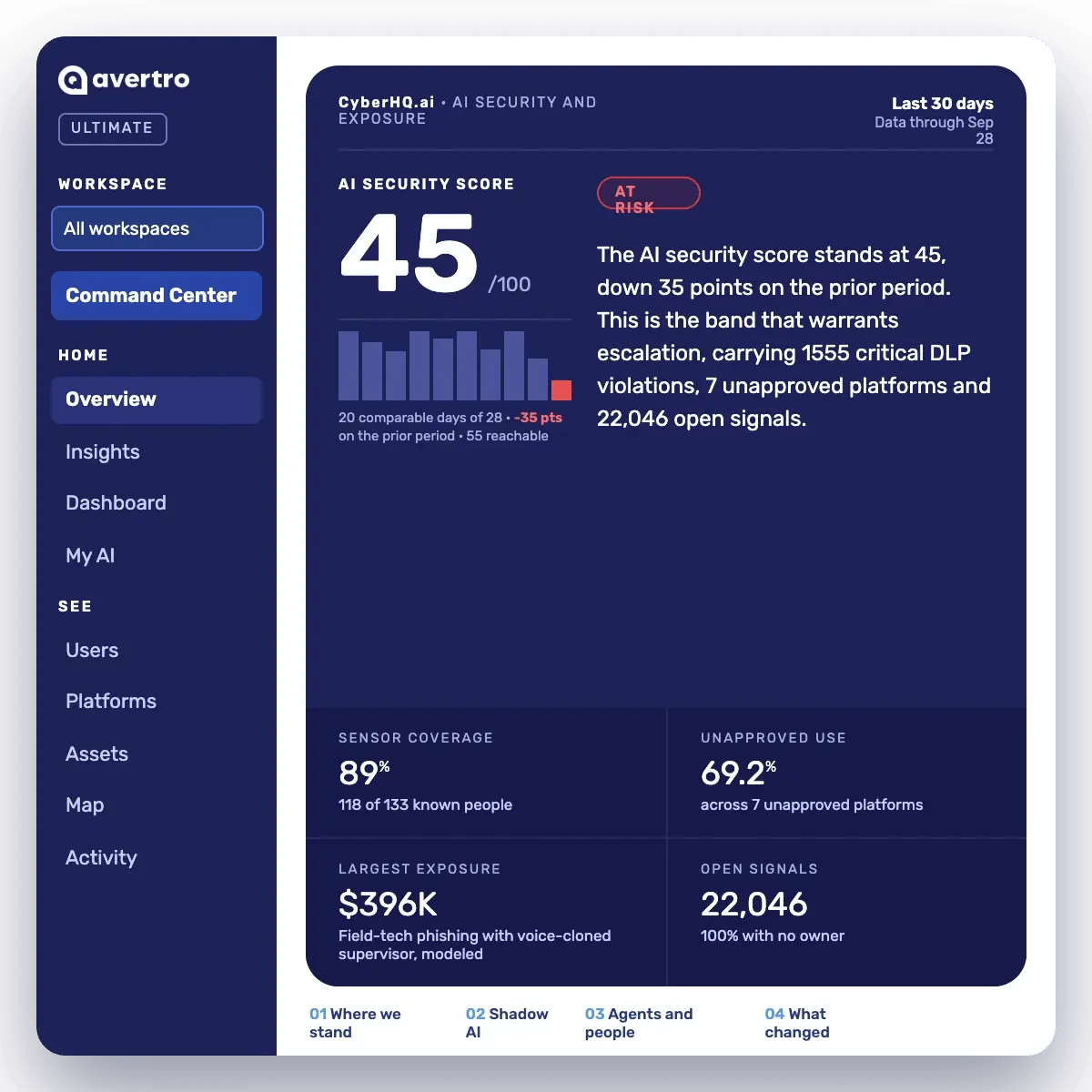
Action Scoring combines risk priority and remediation effort, so the queue is always ordered by what matters most.
A one-off spike in AI usage gets missed until it becomes a pattern.
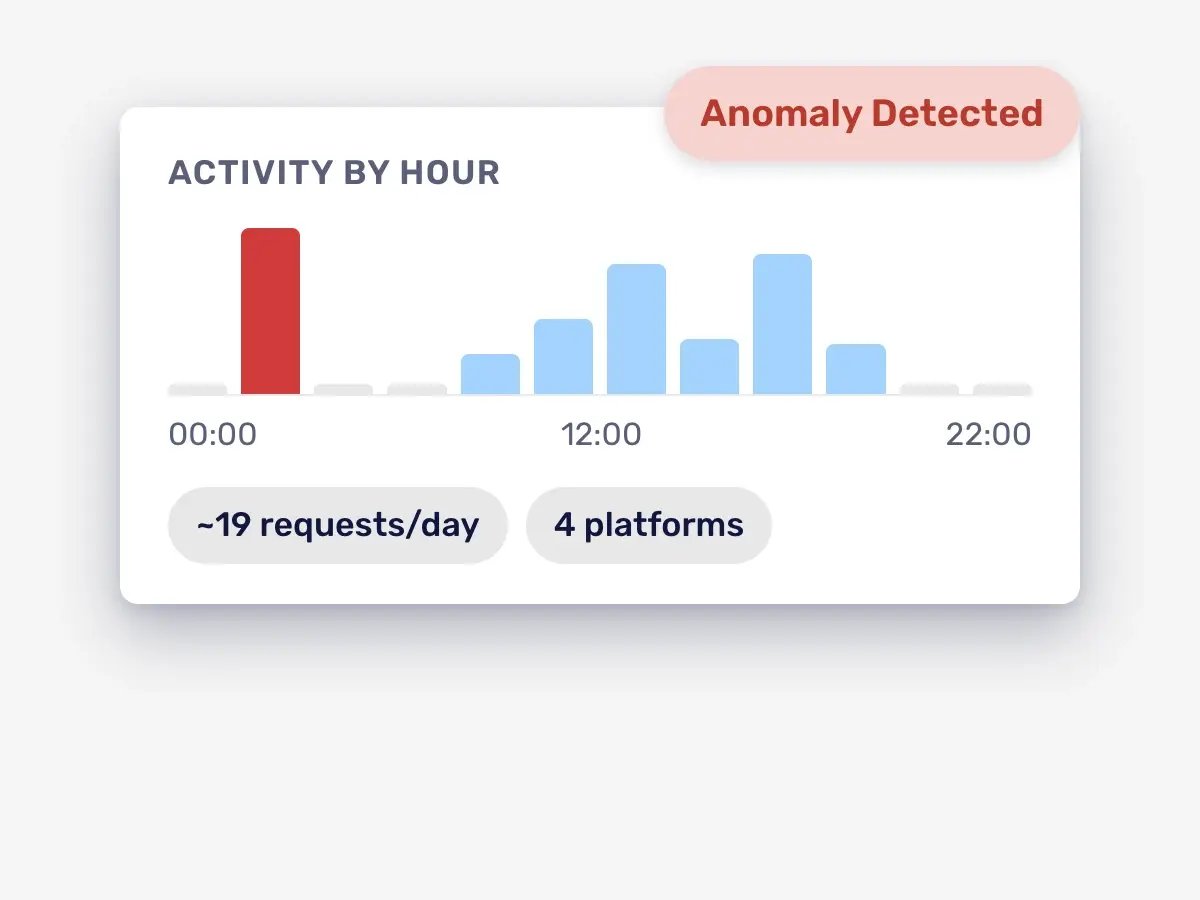
Behavioral anomaly detection builds a per-user baseline and explains anomalies in plain language across ten types, including agentic escalation.
DLP rules are all-or-nothing: block everything, or block nothing.
Custom DLP rules run in Observe, Warn, Redact, or Block, set per rule, with per-rule precision tracking from analyst feedback so degraded rules surface before analyst trust erodes.
A finding has no home. It sits in someone's inbox until somebody remembers it.
Incident response workflow gives every signal a defined lifecycle, from Open to Resolved, with linked remediation tasks and Jira or ServiceNow tickets raised automatically.
Compliance evidence is a once-a-year scramble before the audit.
Basic compliance attestation exports a Statement of Applicability and delivers nightly AI-drafted attestation suggestions on controls whose evidence already supports one, so evidence builds continuously instead of arriving at deadline.
Custom DLP rules and per-person block rules turn a read-only alert into a response your team chose, from Observe to Block.
Catch what a static rule would miss
Behavioral anomaly detection builds a baseline for every user and flags volume spikes, new-platform adoption, and time-of-day anomalies.
AI Usage Insights
AI Usage Insights Within 48hrs Of Deployment
Start a free 30-day trial and see results on your insights dashboard within 48 hours of deploying your sensor.
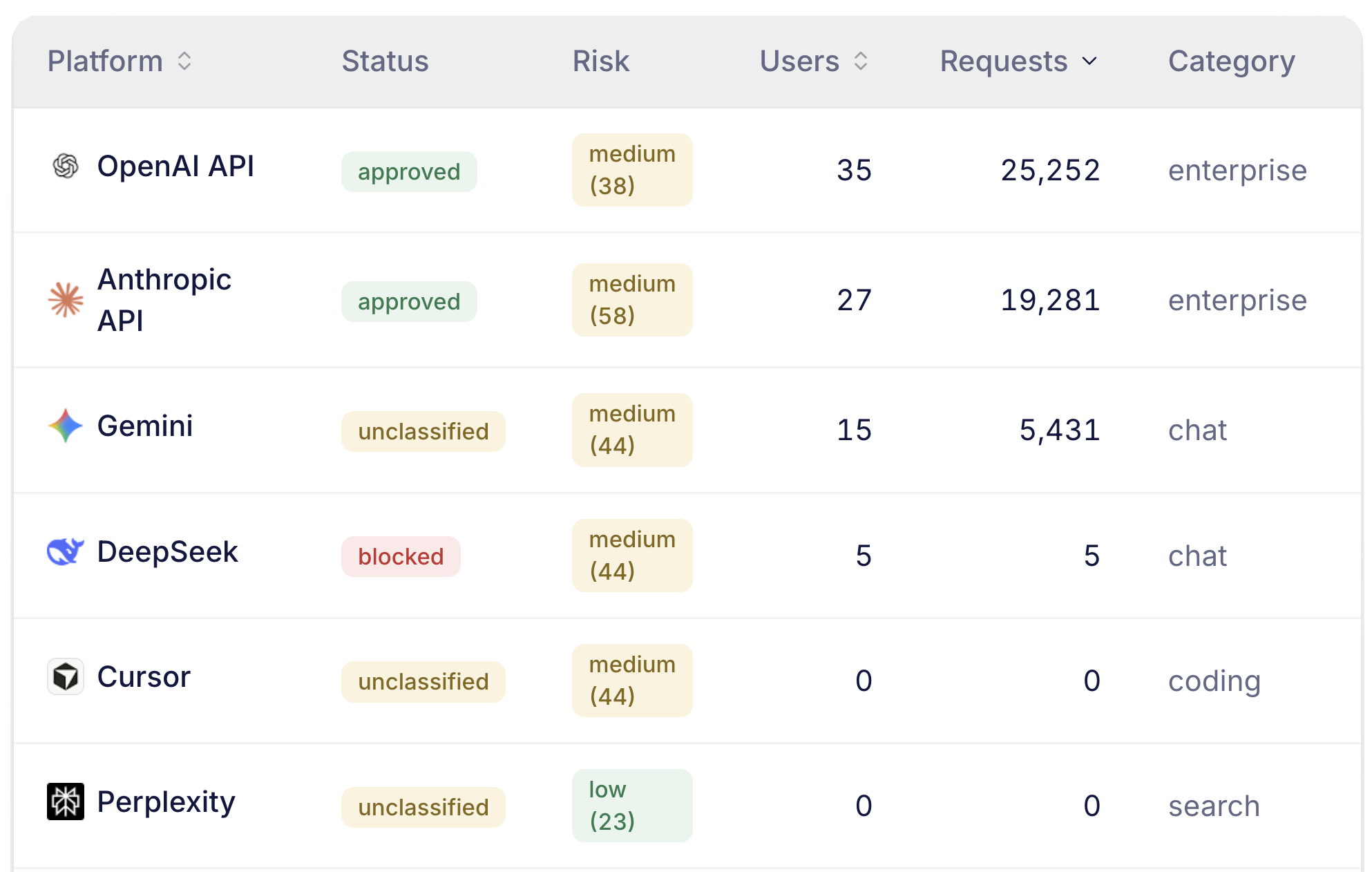
What AI tools are moving through your organization
Who is using AI and how they are using it
How agentic AI is acting and what it's accessing
Which AI tools are putting your data at risk and why
Start your 30-day free trial
Built For Security Teams Ready to Act
Built For Security Teams Ready to Act
Security Leader
Are we actually closing the findings we already see?
Alert triage and Action Scoring turn a growing backlog into a queue your team can work through and defend to the board.
Security Analyst
Can I trust the queue, or do I need a second tool to check it?
Every signal lands in the same Inbox your team already runs, ranked by what matters, with a block you can turn on yourself.
Key Capabilities
Alert triage and action scoring
A priority score on every action, so the queue is always ordered by what matters most.
Custom DLP rules
Observe, Warn, Redact, or Block, set per rule, with per-rule precision tracking from analyst feedback.
Behavioral anomaly detection
Per-actor baselines that explain anomalies in plain language, across ten types.
Incident response workflow
Every signal lands in a single Inbox with a defined lifecycle. Escalate confirmed findings into an incident and hand your team a playbook to run, with linked remediation tasks.
Custom block rules
Block, Warn, or Observe AI use for specific people or platforms, with optional expiry.
Basic compliance attestation
A Statement of Applicability export plus nightly AI-drafted attestation suggestions.
AI-Specific Security Tool
Works Alongside Your Existing Stack.
CyberHQ.ai does not replace your CASB, DLP or SIEM tools. It sits alongside them and adds AI-specific context they cannot see: actor classification, agentic session detection, and AI provider risk.
It deploys through the tools you already run, with alerts delivered straight to Slack, Teams, or your SOAR or SIEM.
Frequently Asked Questions
What is the difference between See, Act, and Prove?
See gives you continuous shadow AI discovery, DLP alerts, the endpoint sensor with device-level blocking, and the AI Maturity Ladder. Act adds the AI Security Score, alert triage, custom DLP rules, incident response workflow, per-person block rules, and per-framework compliance attestation. Prove adds multi-framework compliance programs with audit engagements, browser-level blocking, attack simulation with a modeled dollar loss estimate, and AI-agent governance. Each tier includes everything below it.
Who is the Act tier best fit for?
CyberHQ.ai's Act tier fits security teams with an active operations requirement, ones that already have a DLP or shadow AI finding that needs a workflow, not just a read. If your organization has a formal AI governance audit requirement, autonomous AI agents in the environment, an in-house SOC resource or a board asking for governance reporting, Prove is the better starting point.
What gets blocked at the Act tier?
Act lets you write your own DLP rules and set Block, Warn, or Observe for specific people or platforms. Blocking on the device (paste and network) comes with the endpoint sensor in every tier. Blocking inside the browser itself is part of Prove.
How long does CyberHQ.ai take to deploy?
Most organizations can deploy CyberHQ.ai in under 30 minutes.
What does basic compliance attestation actually include?
A Statement of Applicability export, three-lines-of-defense sign-off on each control, signed evidence snapshots for monitored controls, and nightly AI-drafted suggestions where evidence supports one. Compliance programs and audit engagements for external auditors are part of Prove.
What is an AI Governance Command Platform?
An AI Governance Command Platform gives a business a continuous, evidence-backed picture of how AI is actually being used across the organization, from first shadow AI discovery through usage insights, agent oversight, and audit-ready compliance. CyberHQ.AI is built to sit alongside your existing security stack, not replace it, and to answer three questions on an ongoing basis: how is AI being used right now, what does that usage expose you to, and can you prove you have control.
CyberHQ.ai
Turn AI Signals Into Action, Not Just Alerts.
Deploy in under 30 minutes. Get meaningful data in under 48 hours of deployment.
-1.png?width=120&height=28&name=avertro-white-logo%20(1)-1.png "avertro-white-logo (1)-1")


.jpg)