See Every AI Tool Moving Through Your Organization
Employees reach for ChatGPT, Claude, Gemini, and Copilot. AI agents run unattended in CI pipelines and background services. CyberHQ.ai gives you one evidence-backed view of the AI tools in use, human or autonomous, wherever the browser extension or endpoint sensor is deployed.
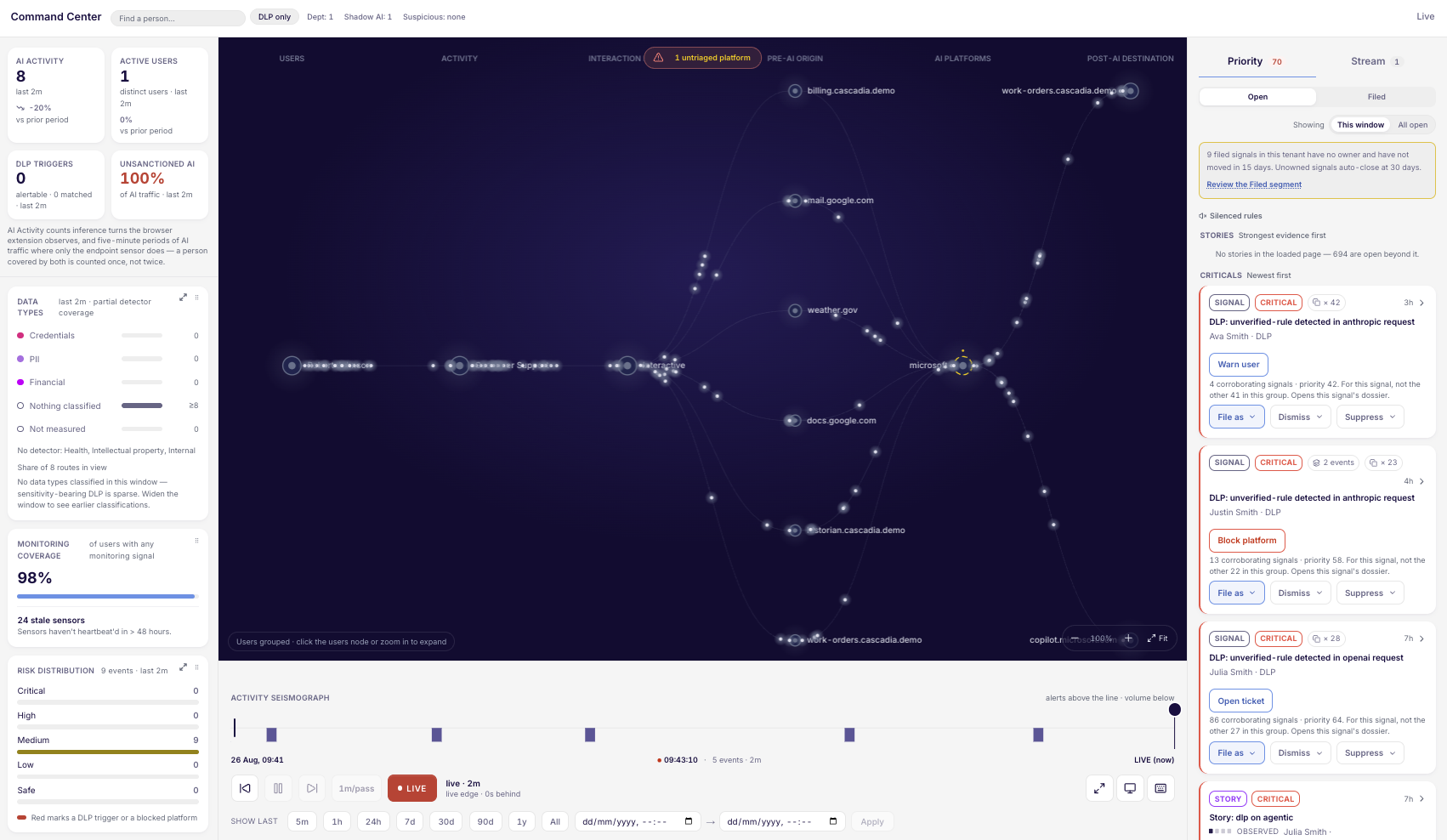
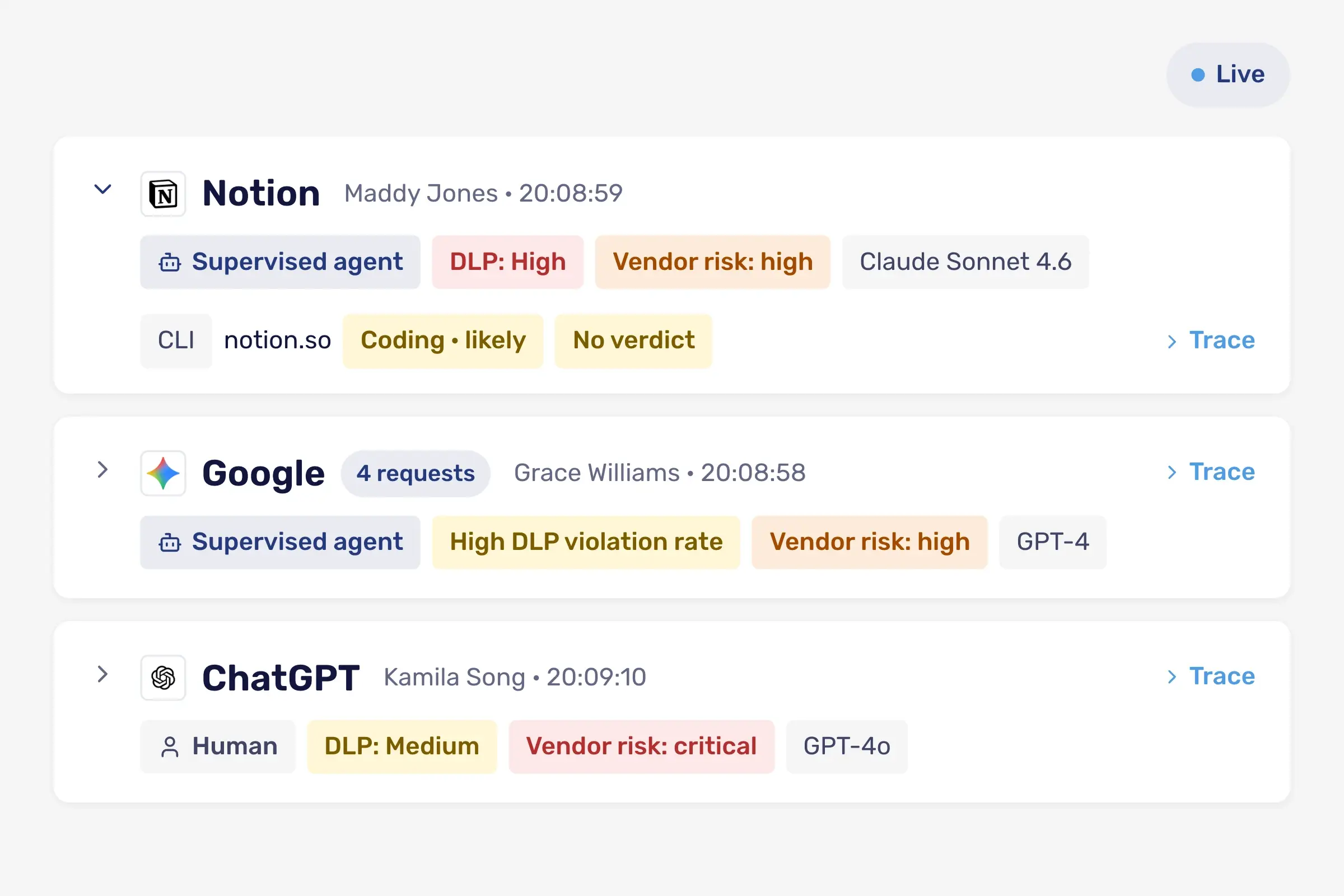
See AI tool use in real time
AI provider watchlist tracking
Signal types classified live
40 +
AI providers monitored on a continuously expanding watchlist
< 30 mins
to full deployment, no proxy or SSL inspection required
3
actor classification states, human interactive, human-supervised agentic, or fully autonomous
< 48 hours
to first meaningful AI finding
The Problem
You Cannot Govern the AI Tools You Cannot See
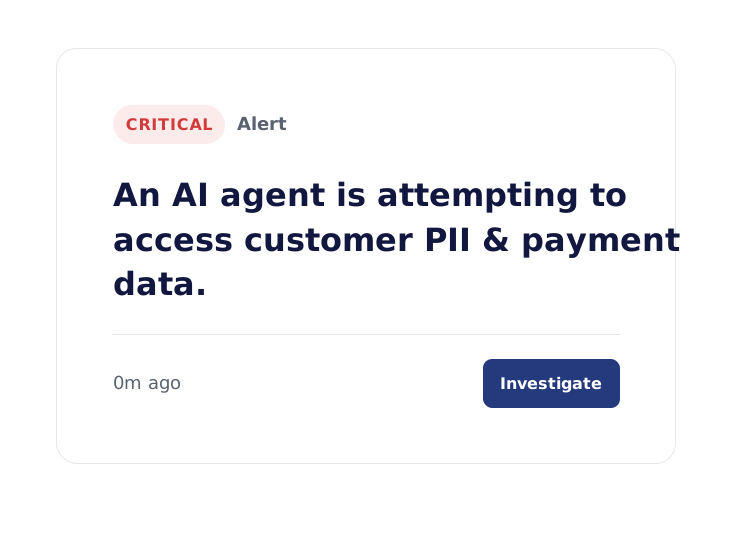
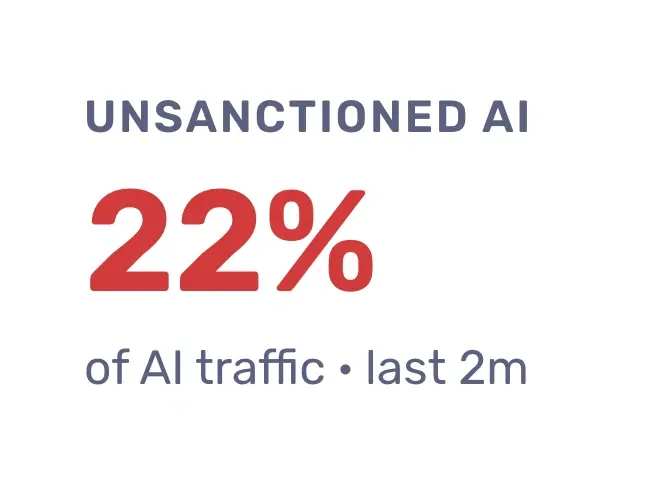
Shadow AI is not just an employee's ChatGPT tab anymore. It is an agent wired into a CI pipeline. It is an MCP server nobody remembers configuring. Employees across every function still reach for ChatGPT, Claude, Gemini, Copilot, and dozens more without asking IT, but the agents and services running unattended alongside them are the bigger blind spot. Together, that is a second workforce nobody approved.
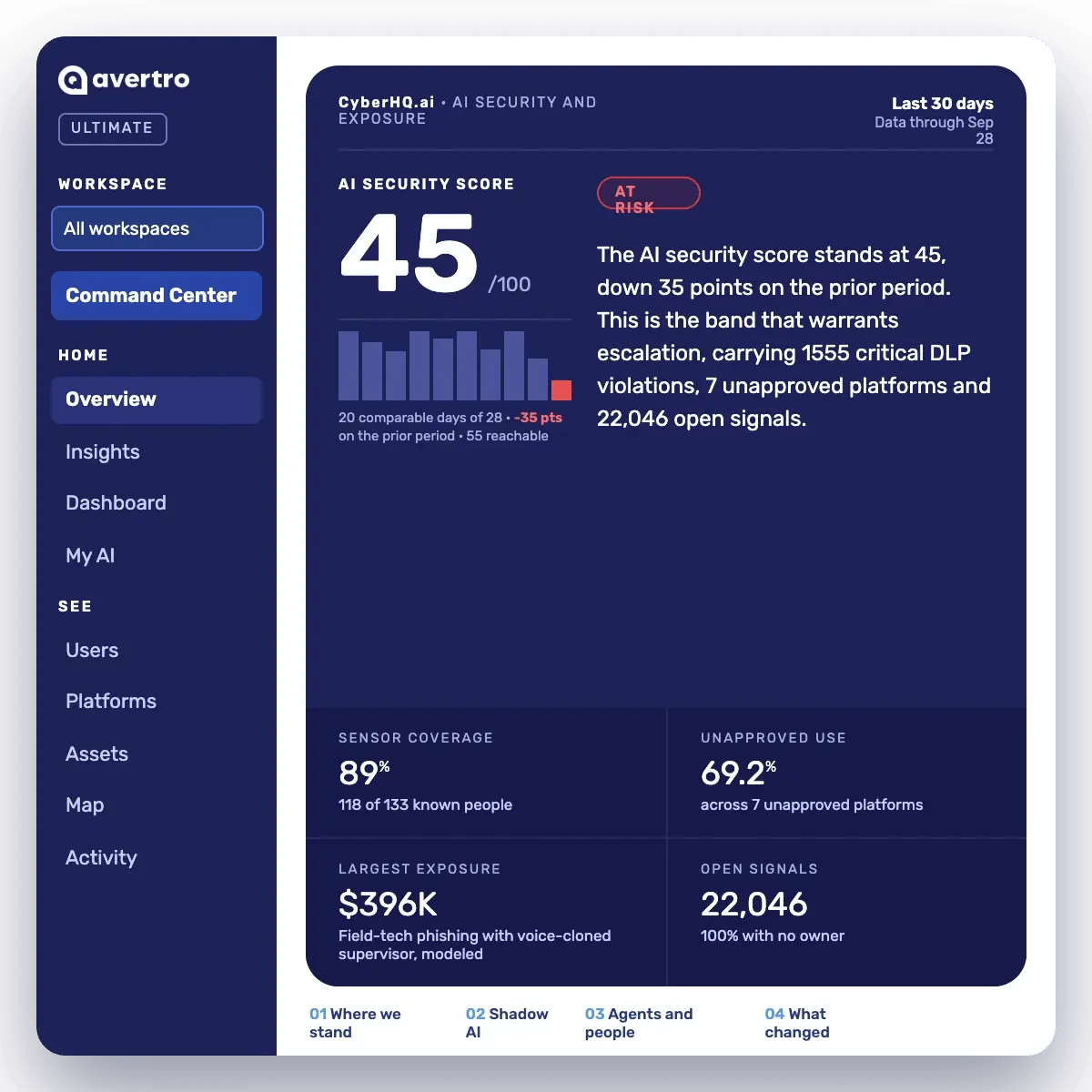
AI Security Command
What CyberHQ.ai Does Differently
See every AI tool in use, not just the ones IT approved: catch desktop AI applications, agentic coding tools like Claude Code and Cursor, command-line tools, and background AI workloads that a CASB or secure web gateway was never built to see.
Know who, or what, is behind every AI interaction: actor classification identifies whether a session is a human interactive user, a human working with agentic assistance, or a fully autonomous AI agent.
Turn discovery into a living inventory, not a one-time audit: keep inventory current as new tools, providers, and users appear, drawing from a continuously expanding watchlist of AI providers.
CyberHQ.ai
How To Discover Shadow AI
Three capabilities that turn a guess about AI usage into an evidence-backed inventory.
Continuous AI Provider Watchlist
Tracks AI providers and raises an unapproved-platform alert within minutes when anyone uses one that is not on your approved list.
Browser and Endpoint Coverage
A browser extension and native endpoint sensor cover desktop apps, command-line tools, and background services, with process lineage tracing each AI call to the program that made it, and no proxy or SSL inspection required.
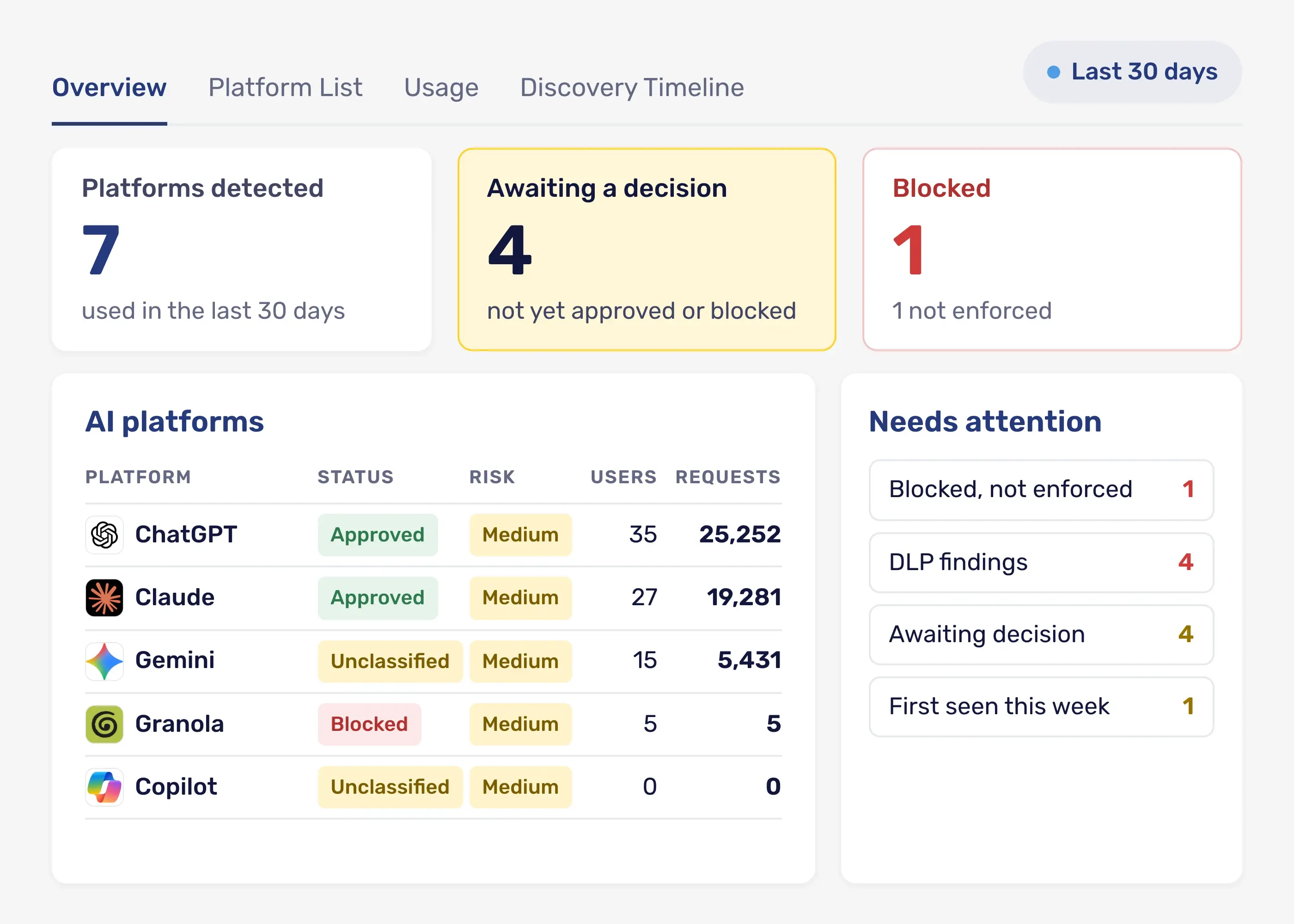
Platform Inventory
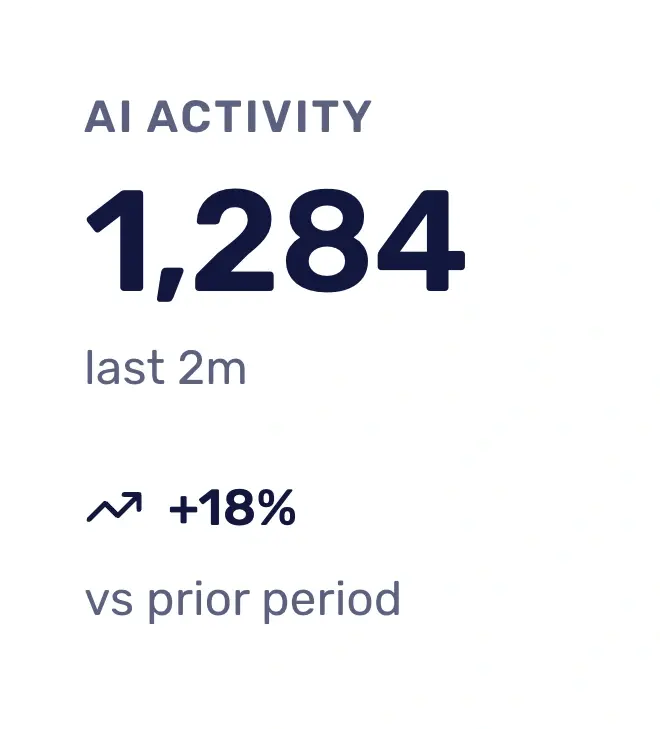
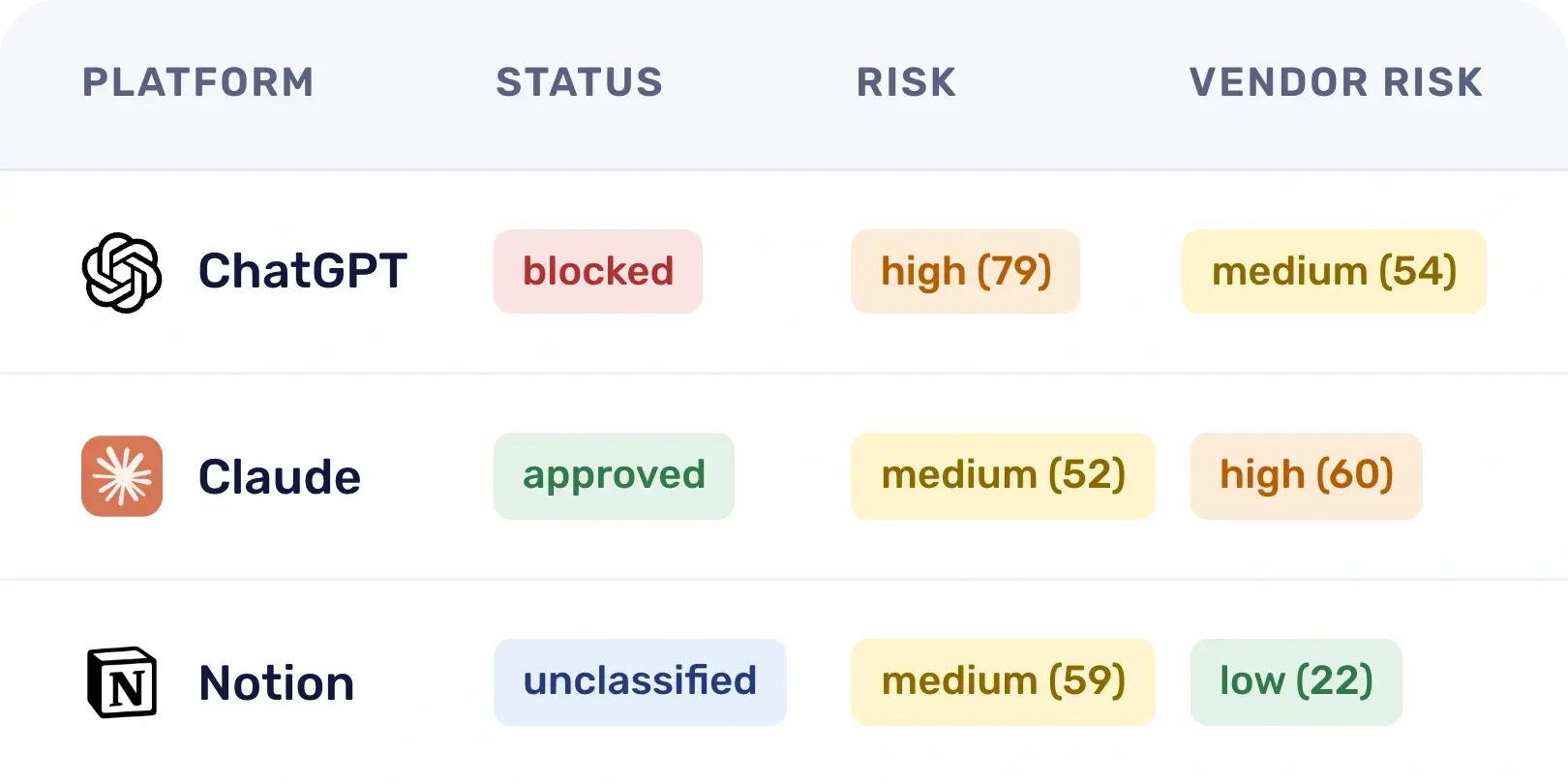
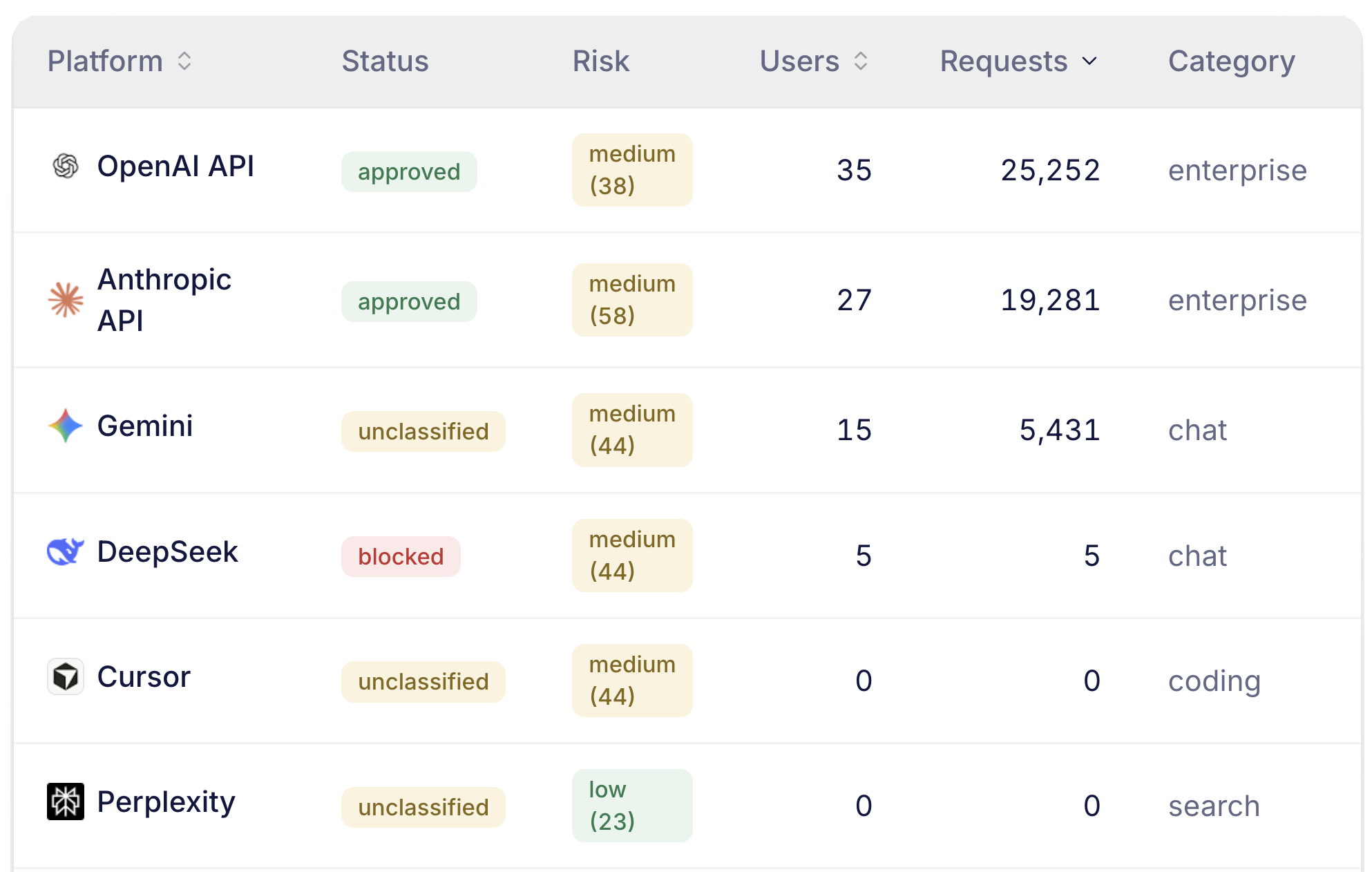
Every discovered AI tool and provider is listed with per-person usage and a discovery timeline. The Command Center also shows live AI activity.
AI Usage Insights
AI Usage Insights Within 48hrs Of Deployment
Start a free 30-day trial and see results on your insights dashboard within 48 hours of deploying your sensor.
What AI tools are moving through your organization
Who is using AI and how they are using it
How agentic AI is acting and what it's accessing
Which AI tools are putting your data at risk and why
Start your 30-day free trial
CyberHQ.ai Does Not Replace Your Tools
Built to See the AI your Existing Security Stack Cannot
CyberHQ.ai is not a replacement for your CASB, DLP, or SIEM. It sits alongside them and supplies the AI-specific context, the tool, the provider, and the human or agent behind each action, that those systems were never built to generate.
Flags every user in your connected directory who is missing the browser extension or endpoint sensor as a coverage gap, so you know exactly where visibility stops.
Deploys through MDM (Jamf, Kandji, Intune), a one-command manual install, or a self-service enrollment page your admin can enable, in minutes, with no proxy or SSL inspection.
Surfaces first meaningful DLP findings within 24 to 48 hours of deployment; shadow AI tools themselves surface in real time, as soon as anyone uses one.
Related Use Cases
DLP on AI Traffic
Once you know which AI tools are in use, see where your data actually flows through them.
Learn more
AI Compliance & Audit
Turn the AI tools you discover into an inventory an auditor can verify.
Learn more
Autonomous Agent Oversight
Discovery does not stop at the browser tab. See which AI agents are acting on their own, and what they can touch.
Learn more
Frequently Asked Questions
What counts as shadow AI?
Shadow AI is any AI tool or AI agent running in your organization without security or IT’s approval, from an employee’s ChatGPT tab to an unattended agent wired into a CI pipeline or an MCP server. CyberHQ.ai finds it at the point of use: the browser extension and native endpoint sensor classify every interaction with a known AI provider in real time, and, on the Prove tier where that option is turned on, can flag newly seen AI destinations, surfacing them in the Platforms inventory, whether it arrives through a browser tab, a desktop application, a command-line tool, or an unattended background process.
How much shadow AI should we actually expect to find?
The average organization has 27 AI-powered applications in active use, and only 56% carry IT approval, on average (BetterCloud, 2026 State of SaaS Report). That figure only covers tools people actively use; it does not include AI agents already running unattended in the background. CyberHQ.ai measures that gap for your own organization, agents included, as soon as the extension and sensor are deployed.
What is a signal type, and why does CyberHQ.ai track so many of them?
A signal is a triageable finding, such as a new AI agent detected, an agent holding unused privilege, a gap in browser coverage, or a connected app reached for the first time. Each arrives with context about what happened, not just that a policy was triggered.
Does discovery require us to change our network architecture?
No proxy or SSL inspection is required. The endpoint sensor and browser extension deploy through MDM, a one-command install, or a self-service enrollment page your admin can enable, in minutes. AI tools themselves surface within minutes as people use them; if DLP rules are also in scope, most organizations see their first meaningful DLP finding within 24 to 48 hours.
Can we tell the difference between an employee using an AI tool and an AI agent acting on its own?
Yes. Every observed AI session is classified by actor: a human interactive session, a human working with agentic assistance, or, where the endpoint sensor is deployed, a fully autonomous AI agent. A discovery finding tells you not just which tool was used but what kind of activity used it.
What is an AI Governance Command Platform?
An AI Governance Command Platform gives a business a continuous, evidence-backed picture of how AI is actually being used across the organization, from first shadow AI discovery through cost governance, agent oversight, and audit-ready compliance. CyberHQ.ai is built to sit alongside your existing security stack, not replace it, and to answer three questions on an ongoing basis: how is AI being used right now, what does that usage expose you to, and can you prove you have control.
CyberHQ.ai
Say Yes to AI with Evidence
Trial CyberHQ.ai for 30-days and get a personalized AI usage report you can act on.
-1.png?width=120&height=28&name=avertro-white-logo%20(1)-1.png "avertro-white-logo (1)-1")


.jpg)