Step 2 of 5 in the shadow AI governance guide. How to classify AI sessions as human or autonomous, and assign an owner to every agent.
The short answer: To tell humans from autonomous AI agents, classify every AI session by how much a human is involved: interactive human, human-supervised agentic, or fully autonomous. Look for behavioral signals such as tool use, function calling, Model Context Protocol (MCP) connections, and machine identities, then assign a named owner to every agent. Do this because identity-based controls assume a person is on the other end, and agents break that assumption.
Why a human-or-bot label is not enough
A person pasting a customer list into a chat window and an agent calling tools against a production database are different risks. They need different controls. Most identity-based controls assume a person is on the other end of every session. Agents break that assumption: they inherit a user's credentials, run on schedules, and chain actions with no one watching.
A binary human-or-bot label does not help either. A coding assistant that proposes changes while a developer approves each one is neither. Treat supervision as a spectrum, and classify every session along it.
Agents also create a quieter problem: ownership. An agent a team built last spring can still hold access to a data source with no one accountable for what it does. You cannot govern an actor that has no owner.
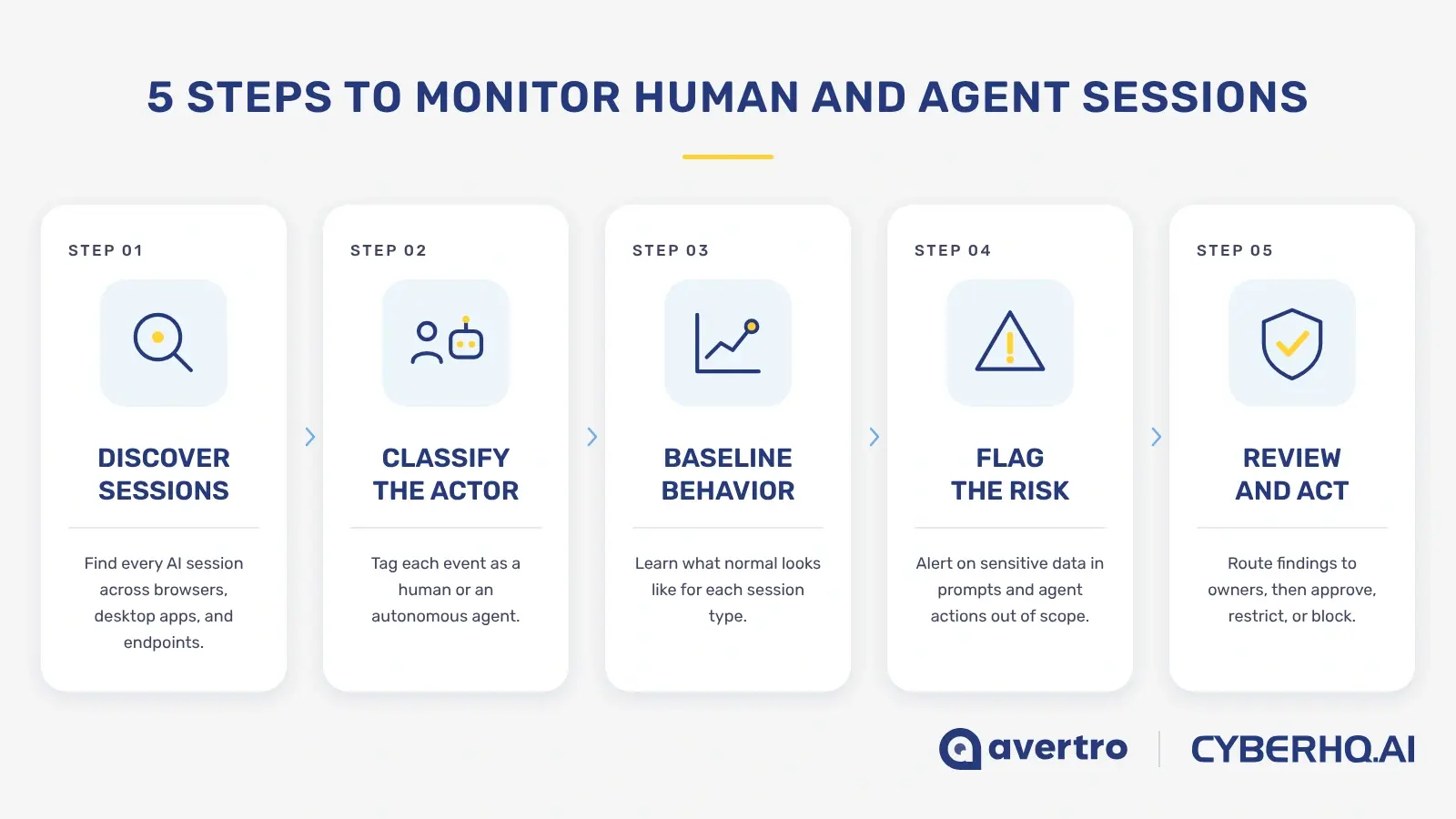
How to run AI session monitoring in five steps
1. Define the actor classes
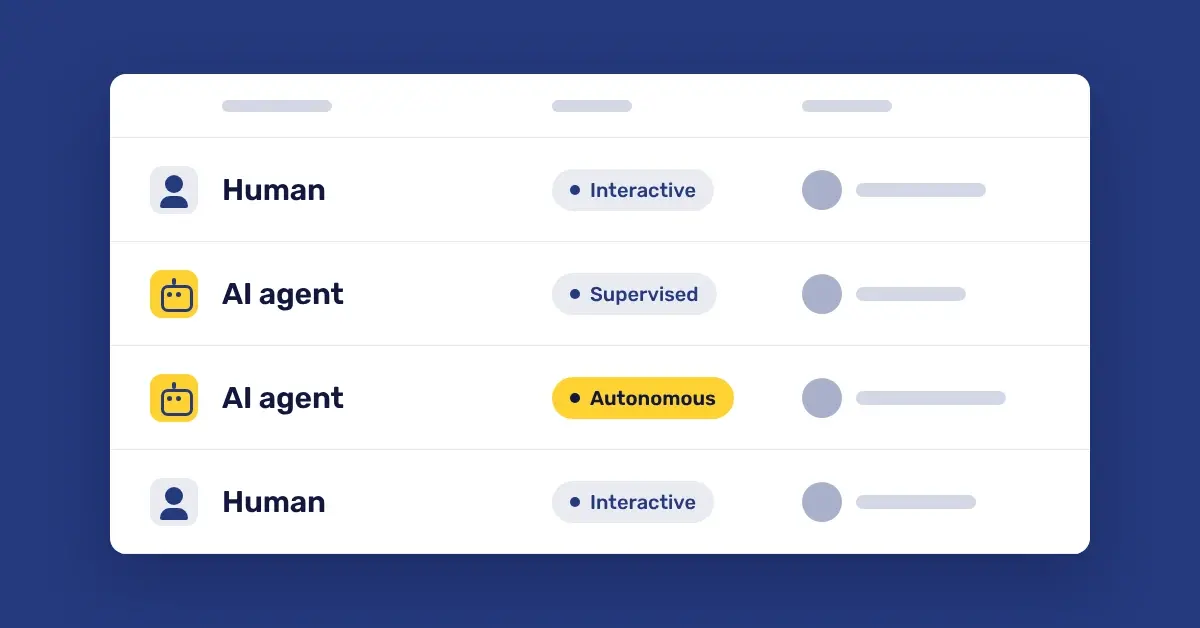
Three classes cover most of what you will see:
-
Interactive human use: a person prompts, reads, and decides.
-
Human-supervised agentic use: an agent acts while a person approves or monitors, as with coding assistants.
-
Fully autonomous agentic use: no person in the loop, as with continuous integration (CI) pipeline bots, scheduled agents, and MCP integrations.
2. Collect behavioral signals
Look for tool use and function calling in session traffic, connections to MCP servers, machine or service identities reaching AI services, request timing with no human pauses, and non-browser clients such as command-line interface (CLI) tools and software development kits (SDKs). No single signal proves anything. Combine them, and record which signals drove each call so an analyst can review it.
3. Classify every session and keep the label
Attach an actor class to each AI event when it is recorded, not when someone asks about it later. A label that travels with the event lets your data loss prevention (DLP) reviews, license reviews, and audit evidence filter by actor class without rework.
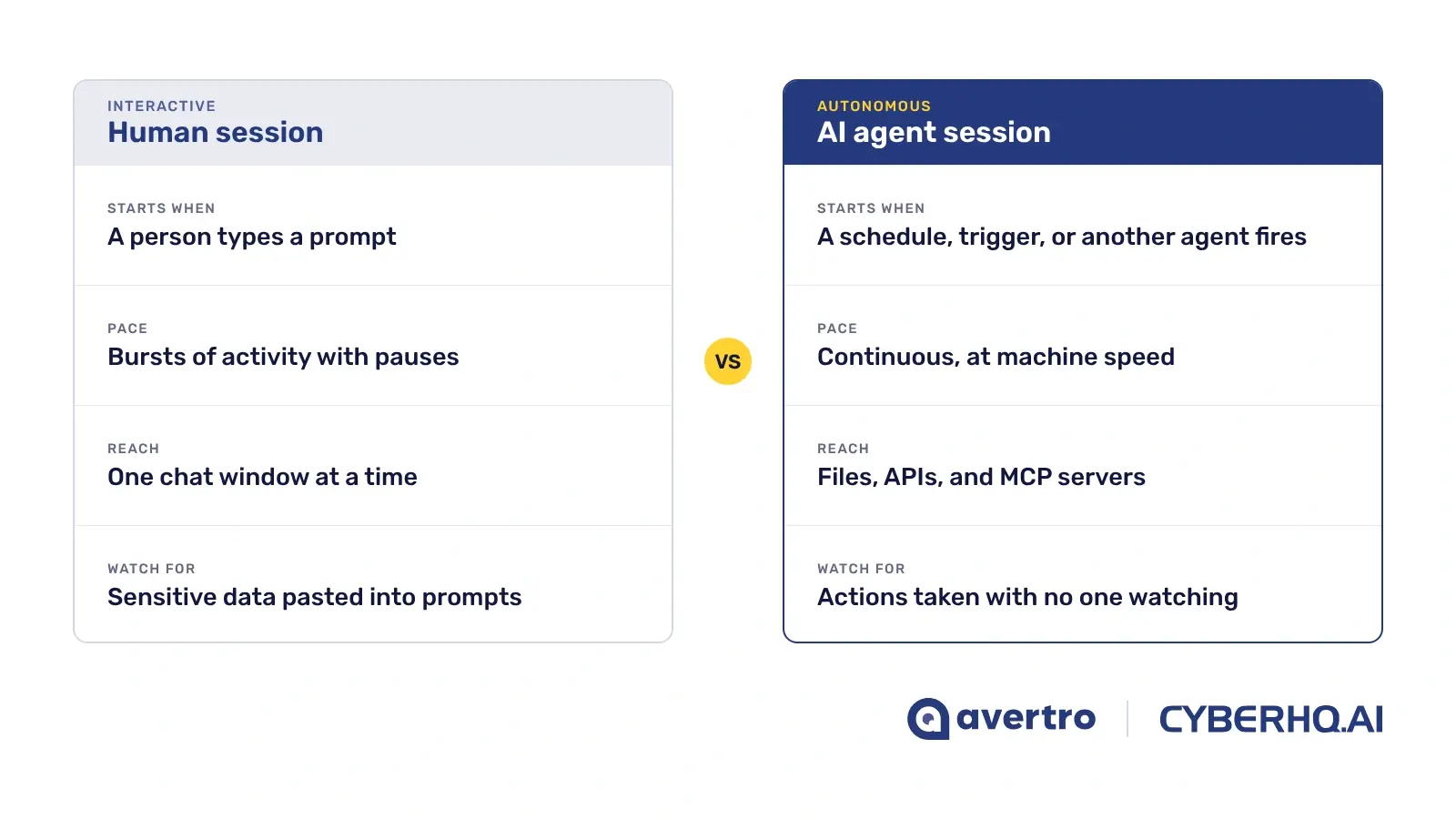
Human-driven AI sessions vs agentic AI sessions
4. Assign an owner of record to every agent
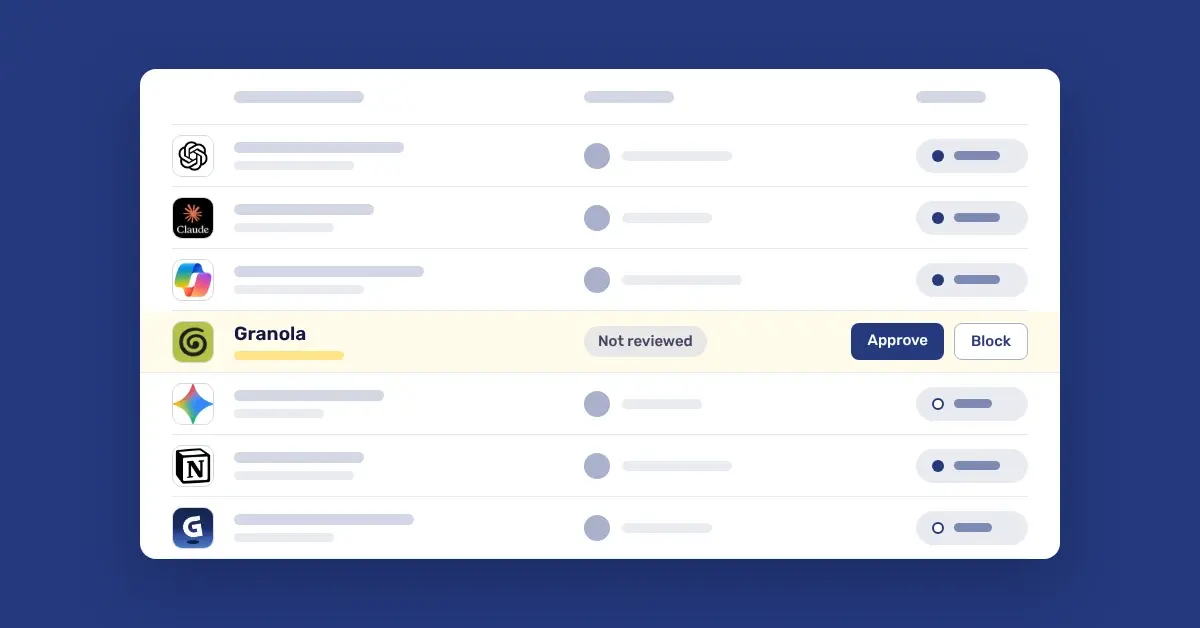
Each agent needs a named person, a business purpose, and a list of the data it can reach. Treat an agent with no owner the way Step 1 treats an unknown tool: give it a deadline, then approve it, reassign it, or shut it off.
5. Set a different control for each class
Human sessions call for coaching at the point of risk. Supervised agents call for approved scope and a log of the actions taken. Fully autonomous agents call for least-privilege access, an allow-list of destinations and data, and a scheduled review. One policy applied to all three will be too tight for people and too loose for agents.
What good looks like: every AI session carries an actor class, and every autonomous agent has a named owner and a review date.
How to measure AI session monitoring
Report four numbers to your CISO and board:
-
Classified share: the proportion of AI sessions with an actor class.
-
Agent inventory: the number of autonomous agents and MCP servers discovered.
-
Unowned agents: agents with no named owner of record.
-
Time to owner: how long a newly discovered agent waits for an owner.
A rising classified share with falling unowned agents means the program is working. A rising count of autonomous sessions with no change in ownership means agents are growing faster than your governance.
Continue the guide
AI session monitoring is Step 2 of 5. Previous: Step 1, shadow AI discovery. Next: Step 3, dormant AI license management. Or read the full guide, How to Govern Shadow AI Without Blocking Innovation.
How CyberHQ.ai fits
CyberHQ.ai gives business leaders the evidence to govern AI without blocking it: which tools people use, who or what is using them, and what data is moving. It does not replace your existing security stack. It sits alongside cloud access security broker (CASB), DLP, and security information and event management (SIEM) tools and makes sense of them by adding the AI-specific context they were not built to deliver.
-
See: every AI tool in use, and whether each session is a person or an agent.
-
Act: sensitive data caught in prompts and pastes, with responses you set by severity, from monitor-only to block.
-
Prove: an AI Security Score and framework evidence your board and auditors can test, including ISO/IEC 42001, NIST AI RMF, EU AI Act, and MITRE ATLAS.
It deploys in under 30 minutes with no proxy or SSL inspection, and meaningful DLP findings typically appear within 24 to 48 hours. See plans and capabilities.
Trial CyberHQ.ai against your own AI footprint and see which AI tools your people are using, whether each session is a person or an agent, which licenses sit idle, and what sensitive data is moving. Start your free 30-day CyberHQ.ai trial, no credit card required.